
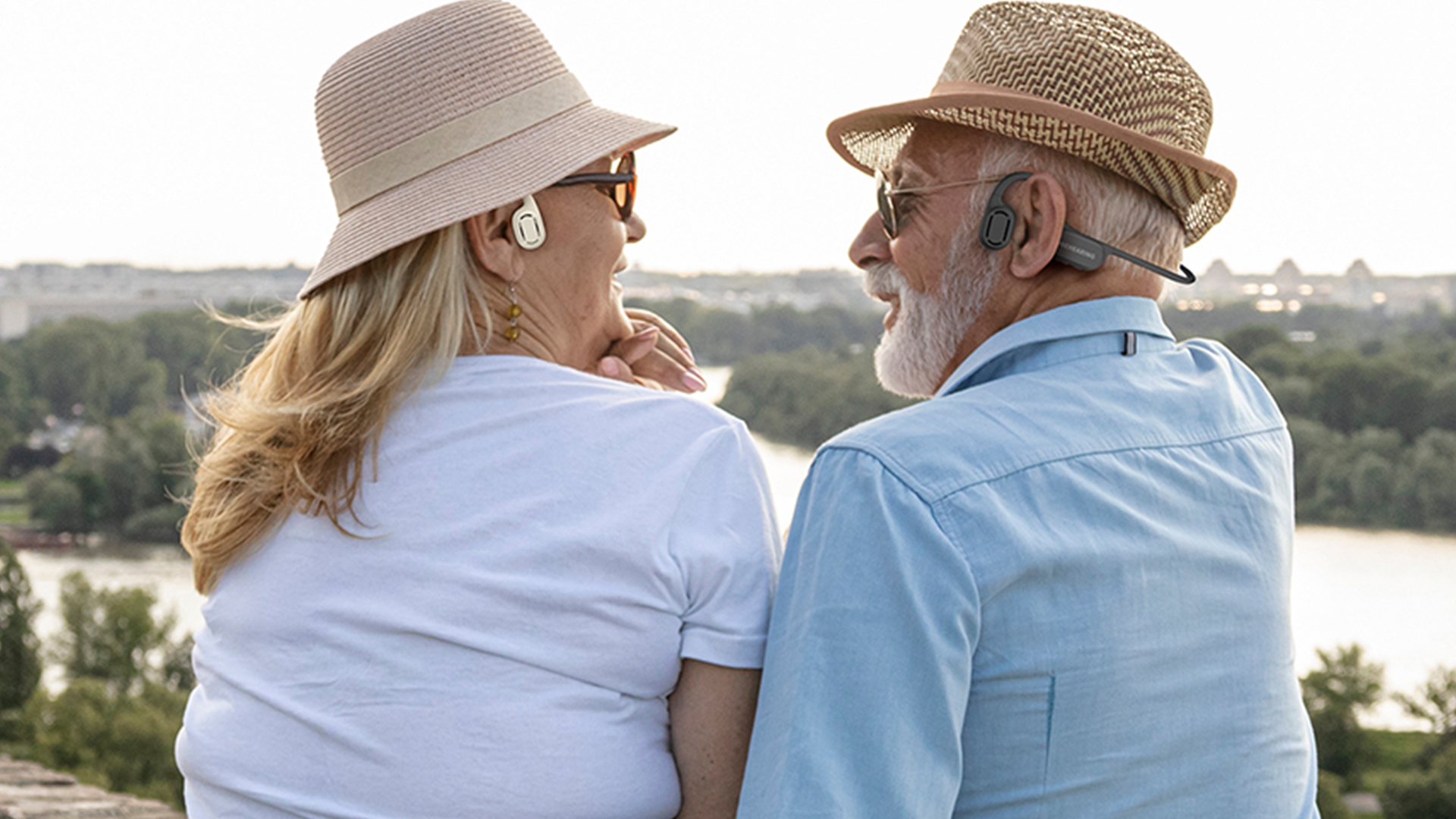
Hearing devices need clear sound, but they also need timing that feels natural.
When sound arrives late, speech feels distant, echo-like, and harder to trust.
Auracast can help hearing devices become lower-latency, especially in one-to-many audio scenes, but it is not magic by itself.
Real low latency depends on the full chain, including the transmitter, receiver, codec, software tuning, audio processing, power design, and signal stability.
Auracast is exciting because it changes the old Bluetooth idea.
It moves wireless audio from one-to-one pairing toward shared listening, public audio access, and direct streaming to hearing devices.
That is why the real question is not only whether Auracast is low-latency.
The real question is whether the whole hearing device system can be engineered well enough to make Auracast feel instant, stable, and useful in daily life.
What Problem Does Auracast Try to Solve for Hearing Devices?
Many people think hearing devices only need louder sound.
The bigger problem is often cleaner, closer, and more direct sound in noisy places.
Auracast is designed to let one audio source broadcast sound to many nearby receivers, including hearing devices.
For hearing users, this can mean direct access to speech, TV audio, public announcements, or guide audio without classic Bluetooth pairing.
Auracast matters because hearing is not only about volume.
A person may hear a sound, but still miss the words.
This often happens in airports, meeting rooms, schools, churches, museums, gyms, theaters, and public counters.
The speaker may be far away.
The room may have echo.
Other people may be talking.
The hearing device may pick up too much surrounding noise.
In these scenes, the best solution is often not to make everything louder.
The better solution is to send the target audio directly to the hearing device.
That is the core value of Auracast.
It allows a source device to broadcast an audio stream.
A compatible hearing device can join that stream and receive the sound more directly.
This is a major change from classic Bluetooth.
Classic Bluetooth usually works like a private cable replacement.
One phone connects to one headset.
One TV connects to one pair of headphones.
That model is useful, but it is not built for public hearing access.
Auracast is closer to a public audio channel.
A venue can broadcast several streams at the same time.
A user can choose the stream they want.
This could be a TV screen in a waiting room.
It could be a lecture in a classroom.
It could be a translated channel in a tour group.
It could be a gate announcement in an airport.
Why this matters for hearing devices
| Old problem | What Auracast may improve |
|---|---|
| The sound source is too far away | Audio can be streamed directly |
| Background noise is too strong | The wanted signal can be clearer |
| Pairing is too complex | Users may join a broadcast instead |
| One source serves only one user | One source can serve many users |
| Public audio is hard to access | Hearing devices may connect directly |
This is also why Auracast should not be seen as only a Bluetooth feature.
It is more like an audio access layer.
It can connect public sound systems with personal hearing devices.
For users with hearing difficulty, that can make daily spaces easier to understand.
For product teams, it opens a new product direction.
Hearing devices do not have to rely only on local microphones.
They can also receive clean external audio from the environment.
This creates a new design question.
Should the hearing device focus only on amplifying nearby sound?
Or should it become a personal receiver for many kinds of audio streams?
Auracast pushes the market toward the second answer.
Why Is Latency So Important in Hearing Devices?
Latency is easy to ignore in normal headphones.
In hearing devices, even a small delay can change the listening experience.
Latency is the time between sound entering the system and sound reaching the user.
For hearing devices, lower latency helps speech feel more natural, especially when the user also hears real-world sound at the same time.
Latency is not just a number on a spec sheet.
It affects comfort.
It affects speech clarity.
It affects how real the sound feels.
In normal music listening, a delay may not matter much.
If a song reaches the ear 80 ms late, the user may not notice.
But hearing devices are different.
The user may hear the real voice through the open ear.
At the same time, the user may hear the processed voice through the device.
If the processed voice arrives too late, the brain receives two versions of the same sound.
One version is direct.
The other version is delayed.
This can create an echo feeling.
It can make the user’s own voice sound strange.
It can also make face-to-face speech feel less natural.
This is why hearing and assistive listening products care more about latency than many normal audio products.
Where latency comes from
Latency can come from many parts of the system.
It does not come from only the wireless link.
| Part of the chain | How it adds delay |
|---|---|
| Microphone input | Converts sound into an electrical signal |
| ADC and codec | Converts and prepares the signal |
| Wireless transmission | Sends audio through the air |
| Receiver decoding | Converts the stream back into audio data |
| DSP processing | Applies gain, AGC, noise reduction, or feedback control |
| Speaker or vibrator output | Plays sound to the user |
This is why a product can say it supports Auracast, but still not feel low-latency.
The protocol is only one part of the chain.
The final user experience depends on the whole chain.
A hearing device may need AGC.
It may need noise reduction.
It may need feedback control.
It may need speech enhancement.
Each extra process can improve sound quality, but it can also add delay.
That creates a hard trade-off.
If engineers reduce processing too much, the sound may become noisy or unstable.
If engineers add too much processing, the sound may become clean but late.
A truly good hearing system must balance both sides.
The real goal is not “zero latency”
No wireless hearing system can be truly zero-latency.
The better goal is low enough latency.
The sound should feel close to real time.
Speech should not feel detached from lip movement.
A user should not feel a clear echo when hearing both natural sound and device sound.
For many hearing scenes, this means the system must be carefully tuned below a practical comfort threshold.
That is why the question in this article is important.
Auracast can reduce the gap between public audio and personal hearing.
But if the final system is too slow, the value becomes weaker.
Low latency is not a marketing slogan.
It is the condition that makes the feature usable.
How Does Auracast Change One-to-Many Hearing Audio?
Traditional Bluetooth is often built around pairing.
Auracast is built around broadcasting.
That change sounds simple, but it creates a very different product logic.
Auracast allows one audio source to broadcast to multiple compatible receivers within range.
This makes it useful for hearing devices in venues, group listening, guided tours, public announcements, and shared TV audio.
One-to-many audio is one of the most important reasons Auracast matters.
In classic Bluetooth, the source usually needs to pair with the receiver.
This is fine for a phone and a headset.
It becomes difficult in a public place.
Imagine a lecture hall.
There may be 100 people.
Some use hearing aids.
Some use open-ear hearing devices.
Some use earbuds.
Some use dedicated receivers.
It would not make sense for the speaker’s audio system to pair with every device one by one.
Auracast changes this model.
The source broadcasts the audio.
The receivers join the broadcast.
This is closer to choosing a Wi-Fi network or a radio channel.
The user does not need a private pairing process in the same old way.
What this means in real scenes
| Scene | Possible Auracast use |
|---|---|
| Airport | Gate announcements or TV audio |
| Classroom | Teacher audio to many students |
| Museum | Tour guide audio in different languages |
| Theater | Stage audio or assistive listening stream |
| Gym | TV audio from different screens |
| Meeting room | Speaker or interpreter audio |
| Senior care center | Shared TV or activity audio |
This is especially useful for people who need hearing support.
The device can receive the wanted sound stream directly.
The microphone on the hearing device does not need to fight the whole room by itself.
This can improve the signal-to-noise ratio.
In simple words, the wanted voice can become easier to hear.
But one-to-many audio also makes the engineering harder.
A one-to-one link can be tightly controlled.
The system knows which device is connected.
It can adjust the link in a more private way.
A broadcast system must work for many receivers at once.
It must handle different receiver designs.
It must handle different distances.
It must handle interference.
It must handle people joining at different times.
It must also handle multiple audio streams in the same place.
Auracast assistant is a key part
A hearing device has a small battery.
It may not be ideal for the hearing device to scan all broadcast channels by itself all the time.
That is where an Auracast assistant becomes useful.
An assistant can be a phone, watch, case, or another device with a better screen and more battery.
It can scan available broadcasts.
It can show the user the channel name.
It can help the user choose a stream.
It can also help with encrypted broadcasts.
This matters because the user experience must be simple.
A hearing product may have strong technology inside, but users do not want to fight with menus.
They want to hear.
They want to choose quickly.
They want the device to work without stress.
For older users, this is even more important.
If the user needs to understand too many steps, the feature may never be used.
So Auracast is not only about wireless audio.
It is also about interface design.
The best hearing device experience may need a simple app, a small screen, or a clear control path.
Without that, the protocol may be powerful but hard to use.
What Makes an Auracast Hearing System Truly Low-Latency?
A low-latency claim is only meaningful when the full audio path is tested.
The transmitter and receiver must both be optimized.
A truly low-latency Auracast hearing system needs matched source and receiver design, efficient codec settings, reduced buffering, stable RF performance, careful DSP choices, and clear control of power, distance, and packet loss.
To make Auracast truly low-latency, engineers need to look at the full system.
It is not enough to buy a chip that supports LE Audio.
It is not enough to enable a standard SDK.
It is not enough to say the product supports Auracast.
The difference often comes from deep tuning.
In many wireless audio systems, the standard setup may have higher latency than the product team expects.
The default setting is often designed for stable compatibility.
That is safe, but it may not be fast enough for hearing-related use.
If a team wants lower latency, they need to reduce delay in each part of the path.
The main engineering layers
| Layer | What must be optimized |
|---|---|
| Source device | Audio input, codec, buffering, broadcast settings |
| Wireless link | Packet timing, retransmission strategy, RF power |
| Receiver device | Decoder, buffer size, synchronization |
| Audio algorithm | AGC, noise reduction, echo control, feedback control |
| Acoustic output | Speaker, receiver, or bone conduction vibrator |
| User scene | Distance, movement, interference, body blocking |
The transmitter is important because it creates the stream.
The receiver is just as important because it decides how fast and cleanly the stream becomes sound.
If only the transmitter is optimized, latency may improve only partly.
If both sides are controlled, the system can be tuned much more deeply.
This is why complete system design is often stronger than a single-module approach.
A hearing device needs more than a wireless pipe.
It needs a full audio system.
Low latency has trade-offs
Lower latency often means smaller buffers.
Smaller buffers can reduce delay.
But smaller buffers may also increase risk.
If the wireless signal becomes unstable, the audio may click, break, or drop.
That is why low latency must be balanced with stability.
The user does not only want fast audio.
The user wants fast audio that does not break.
Distance also matters.
A low-latency demo at one meter may look good.
But the user may be five meters away.
The user may turn their head.
The body may block the signal.
The venue may have many wireless devices.
A real hearing device must survive these conditions.
DSP can improve sound but add delay
Hearing devices often need audio processing.
AGC can make soft speech easier to hear.
Noise reduction can make speech cleaner.
Feedback control can reduce whistling.
Echo handling can improve comfort.
But each process can add latency.
This creates a design choice.
For a simple microphone stream, the system may reach very low latency.
After adding noise reduction and other processing, the total delay may rise.
That does not mean the system is bad.
It means the product team must decide the right balance.
For hearing products, the goal should be clear speech with natural timing.
If the sound is fast but noisy, users may reject it.
If the sound is clean but late, users may also reject it.
The best design sits in the middle.
It keeps delay low enough while still improving speech.
Where Does Auracast Still Need More Work?
Auracast has strong potential, but many products will not reach the same real-world experience.
The weak points are often not in the idea itself.
Auracast still needs better device compatibility, easier user interfaces, lower end-to-end latency, stronger receiver tuning, better battery control, and more real-world deployment before it becomes a smooth everyday hearing experience.
Auracast is promising, but it is still early in many markets.
Support is growing, but not every phone, TV, hearing device, adapter, venue, or receiver is ready.
This creates a gap between the technology promise and the user’s daily experience.
A buyer may hear about Auracast and think it will work everywhere.
That is not true yet.
For now, compatibility is still an important issue.
The source must support Auracast.
The receiver must support Auracast.
The user may need an assistant device.
The venue may need installed transmitters.
The app or screen must make channel selection simple.
If one part is missing, the experience may fail.
The practical challenges
| Challenge | Why it matters |
|---|---|
| Compatibility | Users need source and receiver support |
| Setup | Users need a simple way to find broadcasts |
| Latency | Hearing scenes need natural timing |
| Battery | Small devices cannot waste power |
| Distance | Public spaces need stable coverage |
| Interference | Many wireless devices may share the area |
| Audio quality | Speech must stay clear and comfortable |
| Privacy | Some broadcasts may need encryption |
The user interface may become one of the biggest issues.
A hearing device is often small.
It may not have a screen.
It may not have many buttons.
This makes channel selection hard.
A phone app can help.
A case with a screen can help.
A watch can help.
But each extra device adds another layer.
For hearing users, every extra step matters.
A feature that looks good in a demo may be too hard in daily use.
Public deployment takes time
Auracast is most powerful when public places use it.
But public installation is not instant.
Airports, theaters, schools, churches, museums, and meeting centers need equipment.
They also need signs.
They need staff training.
They need maintenance.
They need simple instructions for visitors.
This will take time.
The technology may be ready before the environment is ready.
That means early products may need to work in both worlds.
They should support Auracast for future public audio.
They should also support normal Bluetooth and local microphone use for current daily needs.
Product teams should avoid overclaiming
The biggest mistake is to sell Auracast as a perfect solution.
It is better to explain it honestly.
Auracast can make hearing devices more useful in shared audio scenes.
It can reduce the need for complex pairing.
It can support one-to-many listening.
It can help public audio become more accessible.
But the final experience depends on the full product.
A weak receiver will still feel weak.
A poor app will still confuse users.
A high-latency system will still feel delayed.
A noisy microphone path will still create listening fatigue.
So Auracast should be treated as a powerful foundation.
It is not the full house.
The full house still needs careful engineering.
How Could Auracast and UWB Shape Future Hearing Devices?
Auracast solves one major problem: shared Bluetooth audio.
Other wireless paths may solve different problems.
The future may not depend on one technology only.
Auracast may become the main path for public broadcast audio, while ultra-low-latency wireless methods such as UWB may serve special scenes that need even faster timing, higher data rates, or more precise sensing.
Auracast is not the only possible direction for hearing audio.
It is likely to become very important for public audio access.
But some use cases may need more than Auracast.
For example, a hearing product may need extremely low latency.
A gaming headset may need near-instant audio.
A smart audio hub may need multi-channel sound.
A spatial audio system may need position data.
A health device may need sensing.
These use cases can push wireless design beyond standard Bluetooth broadcast.
That is why UWB is interesting.
UWB is not usually the first technology people think of for audio.
It is better known for location, ranging, and sensing.
But it can also offer very high data rates and very low delay in some designs.
This creates a possible future where wireless audio, position tracking, and sensing are part of the same system.
Different wireless paths may serve different jobs
| Technology path | Best-fit direction |
|---|---|
| Classic Bluetooth | Phones, calls, music, common compatibility |
| LE Audio | Lower-power modern Bluetooth audio |
| Auracast | One-to-many broadcast and public audio |
| Private 2.4G | Controlled low-latency one-to-one audio |
| UWB | Ultra-low latency, high-speed links, sensing, positioning |
This does not mean UWB will replace Auracast.
That is not the right way to see it.
Auracast is strong because it is based on Bluetooth.
Bluetooth is already common.
Many consumer devices can support it.
Public venues can adopt it more easily than a totally new system.
UWB may be stronger in special product systems where both sides are designed together.
For example, a dedicated transmitter and receiver can be optimized deeply.
That can be useful for premium hearing accessories, gaming, professional audio, private assistive systems, or spatial audio products.
Hearing devices may become audio hubs
Future hearing devices may not be only hearing aids or sound amplifiers.
They may become personal audio hubs.
They may receive phone calls.
They may receive TV audio.
They may join public broadcasts.
They may switch between microphones and remote audio.
They may support translation streams.
They may connect to a small transmitter.
They may use an app or case to select audio channels.
They may also use sensing to understand the user’s environment.
This is a big shift.
The hearing device becomes less like a simple amplifier.
It becomes a smart listening system.
That shift creates new product value.
But it also creates more design pressure.
The product must stay small.
The battery must last.
The sound must be clear.
The latency must stay low.
The controls must stay simple.
The device must not become too expensive.
The best direction is layered design
A strong future product may use layered technology.
It can use classic Bluetooth for normal phone compatibility.
It can use LE Audio for modern low-power audio.
It can use Auracast for public broadcast audio.
It can use a private low-latency path for special accessories.
It can use stronger sensing or positioning when the use case needs it.
This layered design is more realistic than expecting one protocol to solve everything.
For hearing users, the final value is not the protocol name.
The final value is simple.
Can I hear speech clearly?
Does the sound arrive naturally?
Can I connect without stress?
Does the battery last?
Does the product work in real places?
That is the standard that matters.
Conclusion
Auracast can make hearing devices much more useful, but true low latency comes from full-system engineering, not from the protocol name alone.
FAQ
What is Auracast?
Auracast is Bluetooth broadcast audio based on LE Audio.
It lets one source share sound with many nearby compatible devices.
How does Auracast work?
An Auracast transmitter sends audio and broadcast information.
A receiver or assistant finds the broadcast, selects it, and joins the audio stream.
What is Bluetooth LE Audio?
Bluetooth LE Audio is a newer Bluetooth audio system built for lower power and better flexibility.
Auracast is one important feature inside this new audio system.
Can hearing aids use Auracast?
Yes, compatible hearing aids can receive Auracast broadcasts.
This can help users hear public audio, TV sound, announcements, or venue audio more directly.
How do I listen to an Auracast broadcast?
You need a compatible receiver, such as hearing aids, earbuds, or headphones.
You may also need a phone, app, or assistant device to choose the broadcast.
Is Auracast better than hearing loops?
Auracast can be easier to deploy and can offer clearer digital audio.
But hearing loops are still used widely, and real performance depends on installation quality.
Does Auracast need pairing?
Auracast does not work like normal private Bluetooth pairing.
Users usually discover and join a broadcast, more like choosing an available audio channel.
Is Auracast low latency?
Auracast is designed for low-latency broadcast audio.
But real latency depends on the transmitter, receiver, codec, buffering, algorithms, and product tuning.